Note
Go to the end to download the full example code.
Tif Image Processing
This example opens a Zeiss TIF image, enhances the gray values, adds a scale bar, and displays the processed image.
from pathlib import Path

import matplotlib.pyplot as plt

import micromechanics
from micromechanics.tif import Tif

repository_root = Path(micromechanics.__file__).resolve().parents[1]
file_name = repository_root / "examples" / "Zeiss" / "Zeiss.tif"
Tif reads the Zeiss metadata, image width, and pixel size directly from the
file. The resulting object keeps both the image and metadata needed for scale
bar placement.
image = Tif(str(file_name))
Enhance the gray-value contrast and add a scale bar using the calibrated pixel
size. These operations modify image.image in memory.
image.enhance()
image.addScaleBar()
Display the processed image without axes so the result resembles an exported SEM micrograph.
plt.imshow(image.image, cmap="gray")
plt.axis("off")
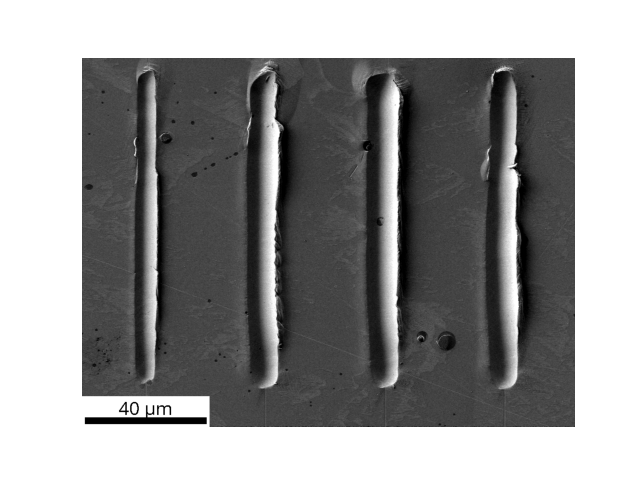
(np.float64(-0.5), np.float64(1023.5), np.float64(767.5), np.float64(-0.5))
Total running time of the script: (0 minutes 0.183 seconds)