micromechanics-indentationGUI documentation




micromechanics-indentationGUI is a GUI for nanoindentation data analysis.
It brings the common workflows used in this project into one place:
tip area function calibration
frame compliance calibration
hardness and Young’s modulus analysis
creep analysis
tip-radius calibration
pop-in analysis
clustering and mapping
exporting results to
xlsxorhdf5
This documentation is organized to help both new users and returning users find the next useful page quickly.
Start Here
Analysis tabs
Project links
Overview
micromechanics-indentationGUI is designed for users who need a practical GUI
for indentation workflows, from calibration to final export. The docs below are
organized so you can either start from the beginning or jump directly to a
specific analysis tab.
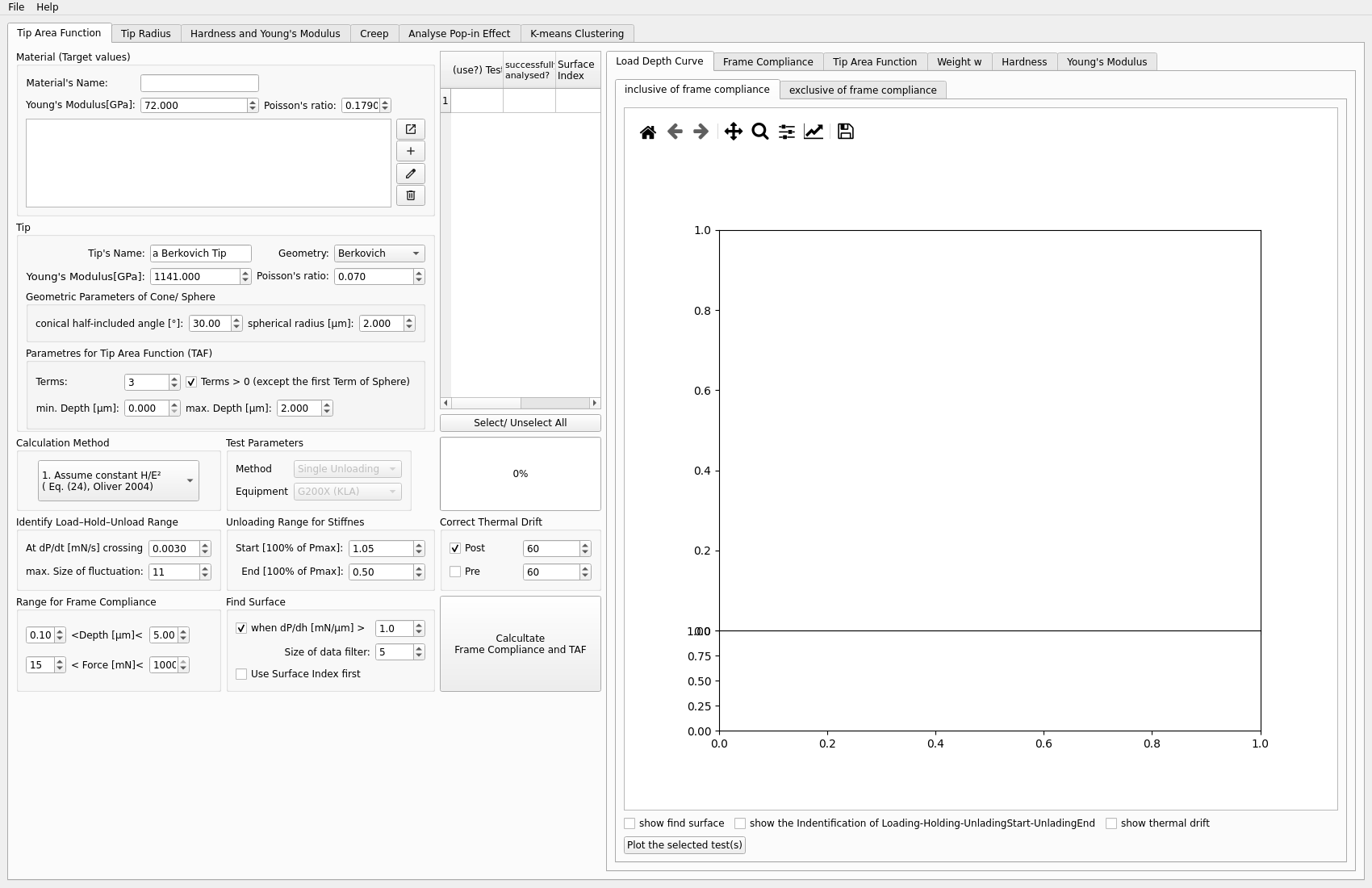
Analysis workflows
Tip Area Function
Calibrate the TAF, inspect the fit, and review the weight and property plots.
Frame Compliance
Calibrate frame compliance for the workflows that need stiffness correction.
Hardness and Young's Modulus
Run the core H/E analysis and inspect the depth-dependent property plots.
Creep
Evaluate creep rate and inspect time-dependent behavior after calibration.
Tip Radius
Fit Hertzian contact and calibrate the indenter tip radius.
Pop-in
Analyse pop-in events and inspect the derived load, modulus, and shear stress.
Classification
Cluster and map indentation results across multiple datasets.
Quick start
If you are new to the GUI, start here:
Read Getting Started
Read Workflow Guide
Use FAQ when you need help with test selection or manual operations