Pop-in
Use the Analyse Pop-in Effect tab for pop-in related calculations.
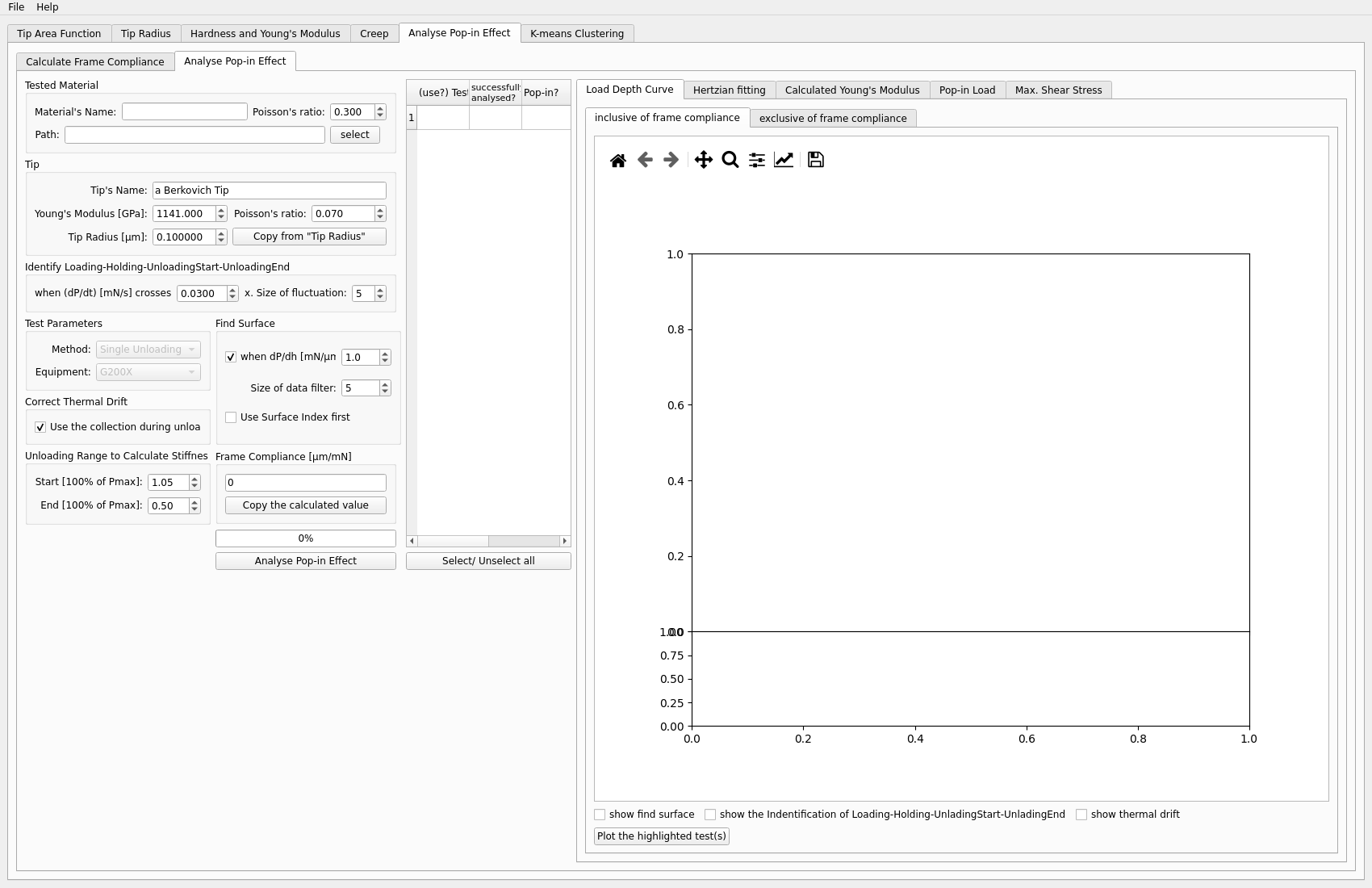
Inputs
pop-in file
calibrated tip radius
frame compliance
Typical steps
Load the pop-in file.
Copy tip radius and frame compliance.
Analyse pop-in events.
Inspect the resulting plots and values.
Outputs to inspect
Typical outputs include:
pop-in load
calculated modulus
maximum shear stress
Also check whether the event detection and selected test are the intended ones.
Key plots
The most useful plots are the pop-in event plots and any associated load-depth curves. These help verify that the detected event and the calculated derived values belong to the same physical feature.
Common problems
Typical issues include:
using the wrong tip radius
missing frame compliance correction
analysing a file without clear pop-in behavior
Next step
This workflow is often one of the end branches of the analysis, so the next step is usually export or comparison with other results.