Creep
Use the Creep tab for creep-rate evaluation.
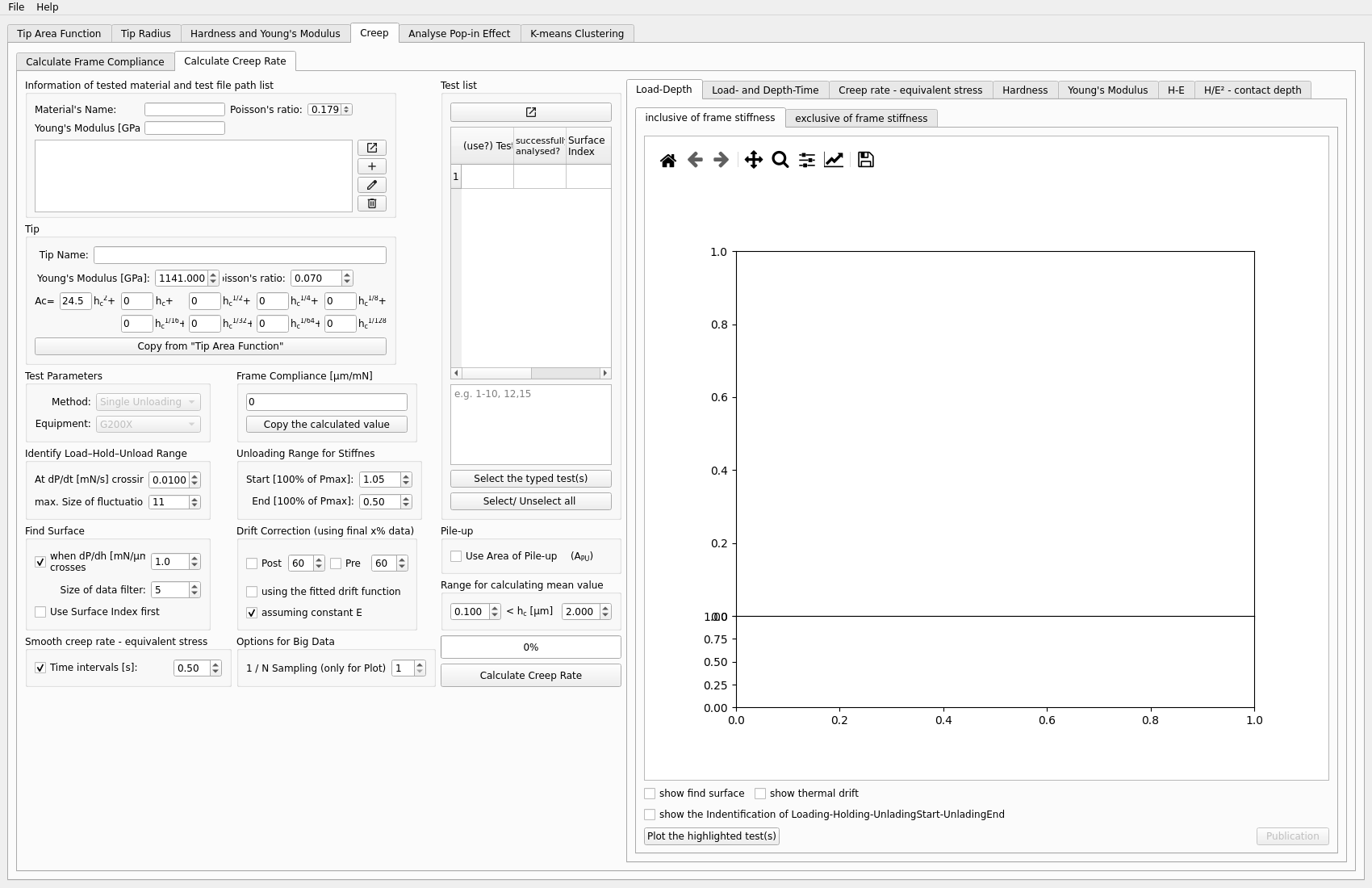
Inputs
one or more creep test files
calibrated TAF
frame compliance
material Young’s modulus input, often taken from the
Hardness and Young's Modulustab
Typical steps
Load the file or files.
Copy or enter TAF, frame compliance, and the material Young’s modulus.
Run the creep calculation.
Inspect the creep-rate plots and related values.
Outputs to inspect
Check whether:
the selected tests are appropriate
the corrected data behave as expected
the resulting creep-rate values are stable in the range you care about
Key plots
The most important plots are the creep-rate plots and any related depth or time-dependent curves used in the calculation. These help you judge whether the reported creep values come from a stable region.
Exported results
Creep-rate results can be exported to xlsx or hdf5.
For each exported test, the creep-rate output includes:
time[s]equiv stress[GPa]creep rate[s-1]
For hdf5 export, the file is written in pandas/PyTables format so it can be
opened by tools such as ViTables. The summary table is stored under results,
and per-test creep-rate tables are stored under tests/<Test Name>, for
example tests/Test 4. The HDF5 folder name therefore matches the Test Name
column inside the exported table.
Common problems
Typical issues include:
running the analysis without the correct TAF, frame compliance, or material Young’s modulus
using tests that are not suitable for creep evaluation
over-interpreting unstable creep-rate regions
Next step
This workflow depends on earlier setup from:
Hardness and Young’s Modulus for the material Young’s modulus input in typical workflows